Tabs and tab groups
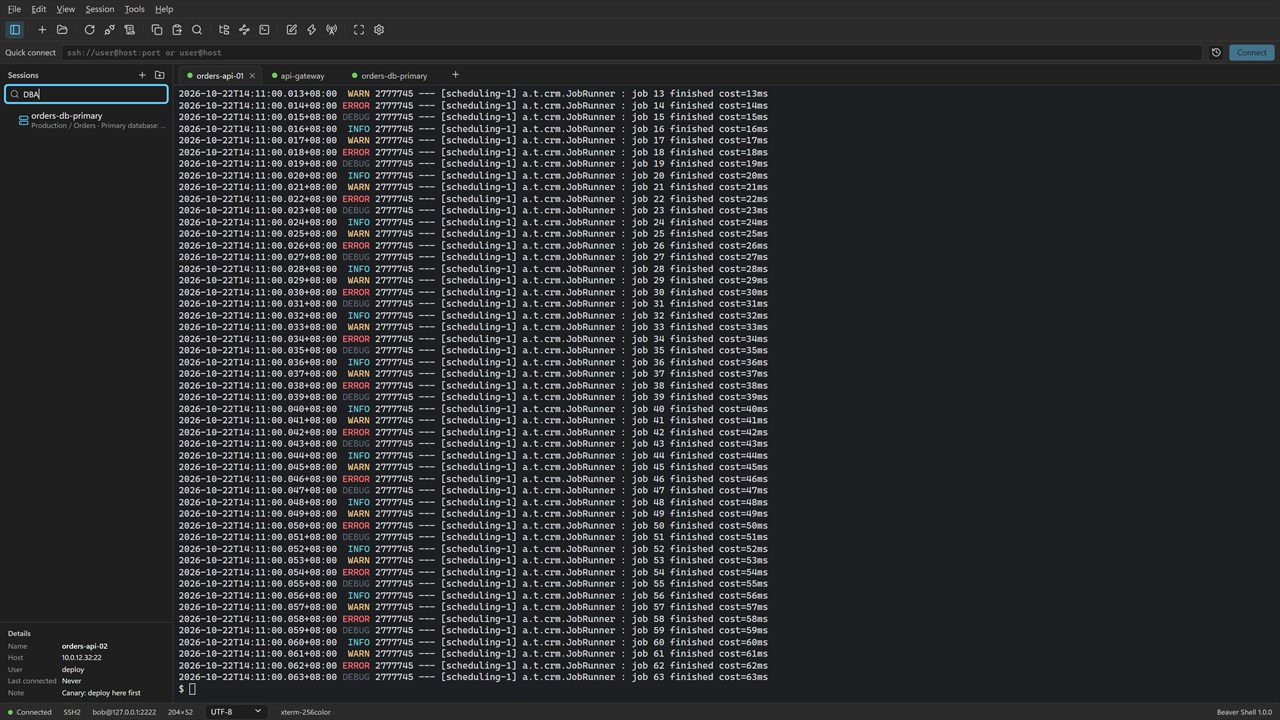
Connect to many servers at once, or open more tabs on one server over the same connection, with no second login. Split the window into up to six tab groups, side by side or stacked.
 mindigest.
 FOR WINDOWS
A tabbed SSH client for people who look after servers. Connect to many servers side by side, keep each one in a session library with a name and a note, and move files without leaving the terminal.
Free for personal use · Windows 10 22H2 or Windows 11 · 64-bit
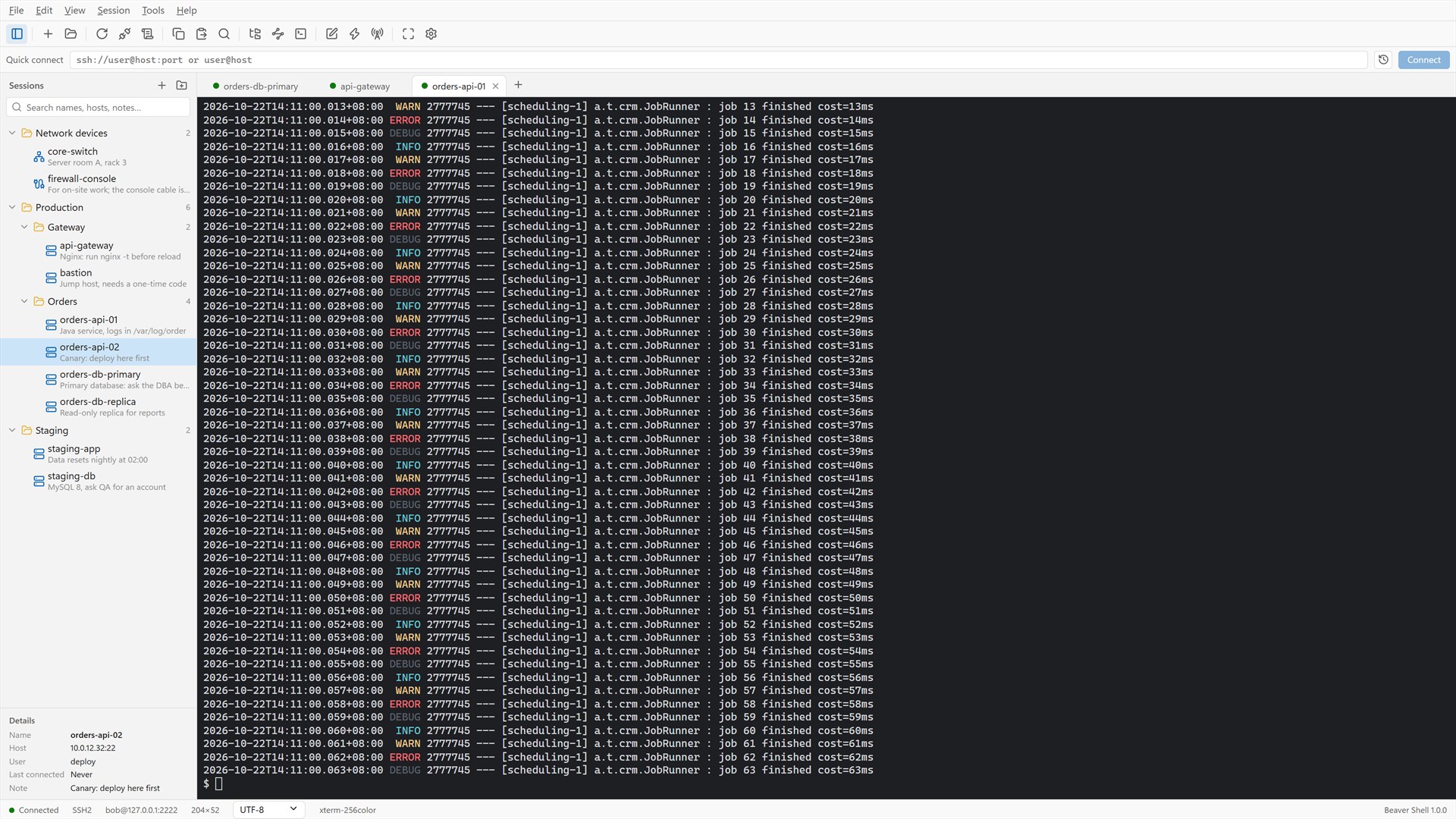
Connect to many servers at once, or open more tabs on one server over the same connection, with no second login. Split the window into up to six tab groups, side by side or stacked.
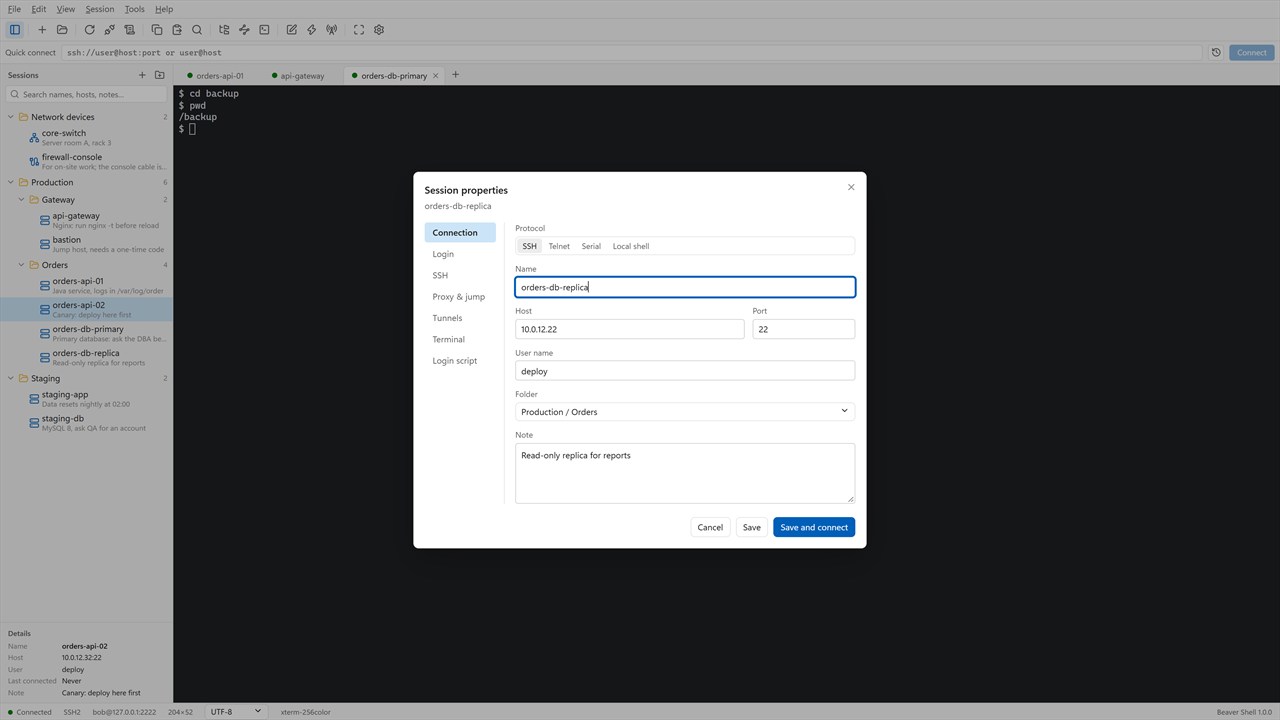
Servers in folders, each with a name and a note. Search by name, host, user or note. Import from OpenSSH config, PuTTY and Xshell session files, and export the library without passwords.
xterm-compatible, with true color and the mouse, so vim, htop and tmux work as they should. UTF-8, GBK, Big5, Shift_JIS and more per session, find with regular expressions, and keywords highlighted in logs.
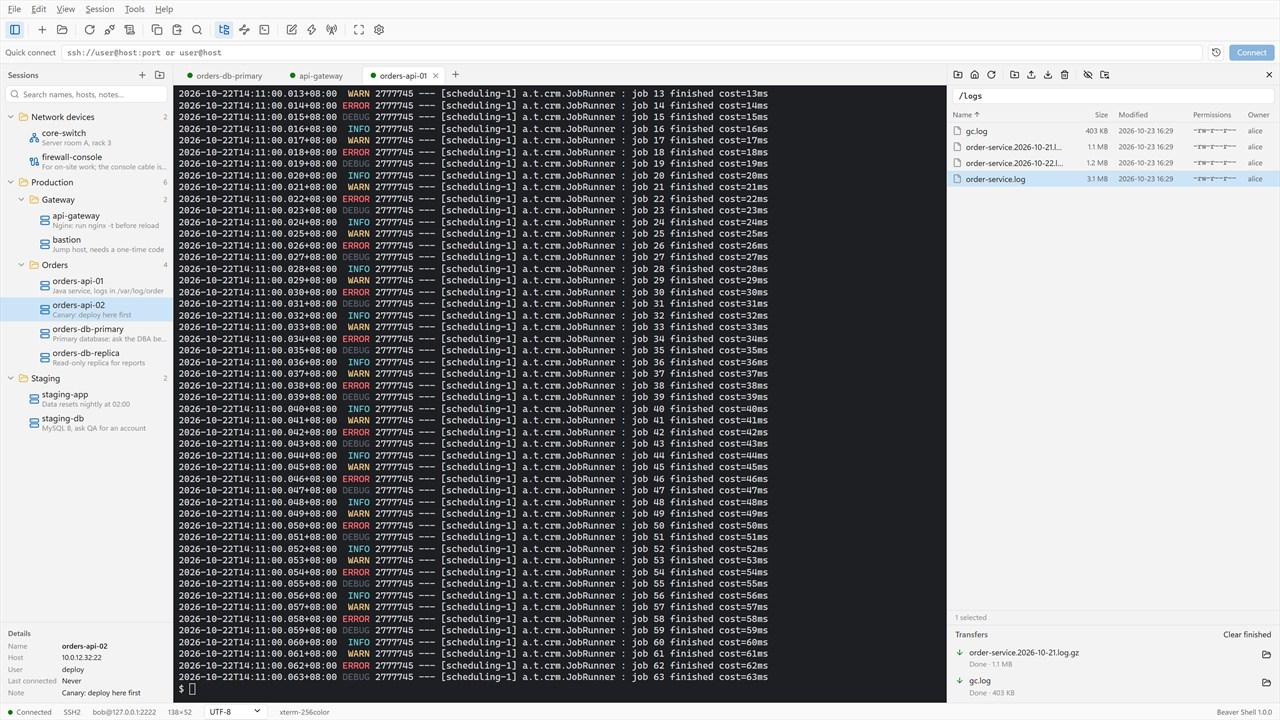
An SFTP panel next to the terminal with a transfer queue, which can follow the terminal’s current folder. Edit a remote file in your local editor and it goes back up each time you save. rz / sz too.
Passwords, key files (OpenSSH, PEM, PuTTY PPK), one-time codes, and the SSH agent (the OpenSSH agent or Pageant) with agent forwarding. Generate a key and install it on a server in one step.
Reach servers through a jump host or a SOCKS5 or HTTP proxy. Local, remote and dynamic port forwarding, with a tunnel panel to add and stop forwards while you are connected.
Telnet for older devices, serial ports for consoles and switches, and local PowerShell, cmd and WSL tabs next to your servers.
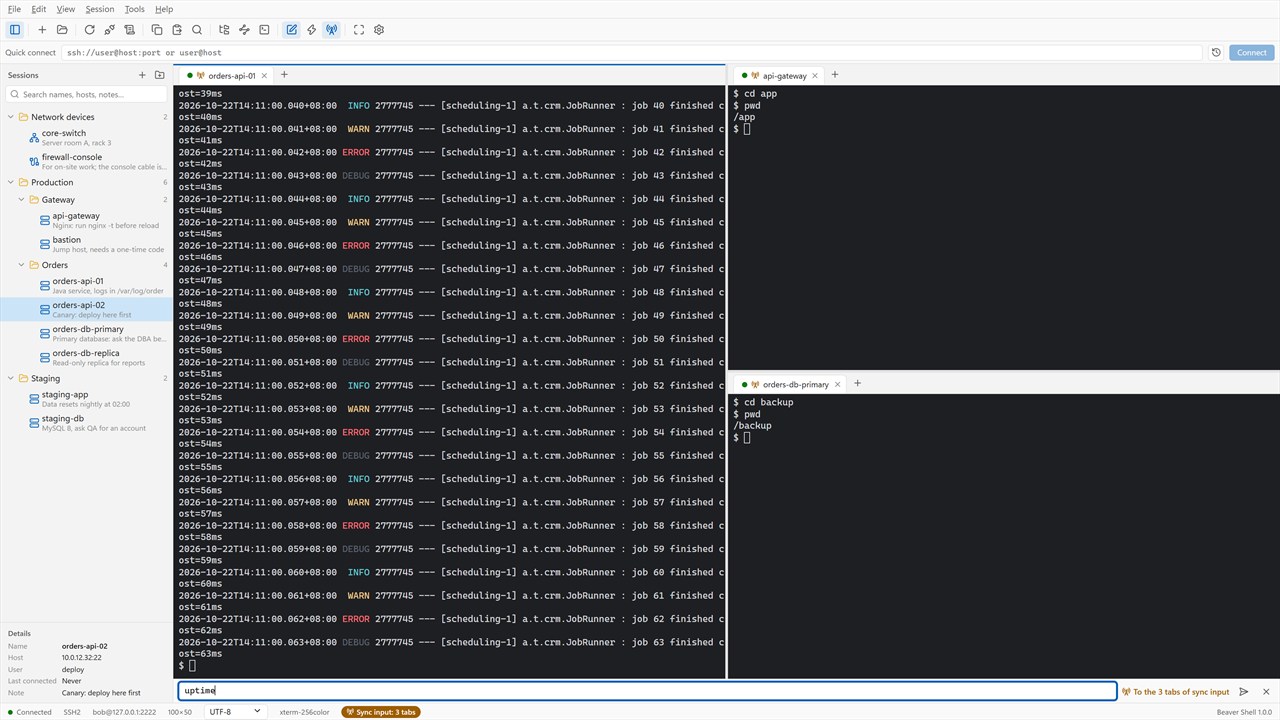
Type once and send it to every tab or the ones you pick. Keep quick commands a click away, let login scripts answer prompts, and set triggers that react to what a server prints.
Saved passwords are encrypted for your Windows account, with an optional master password and a lock for when you step away. Host keys are checked, and a changed key is refused unless you accept it.
Questions or problems: write to support@mindigest.com.